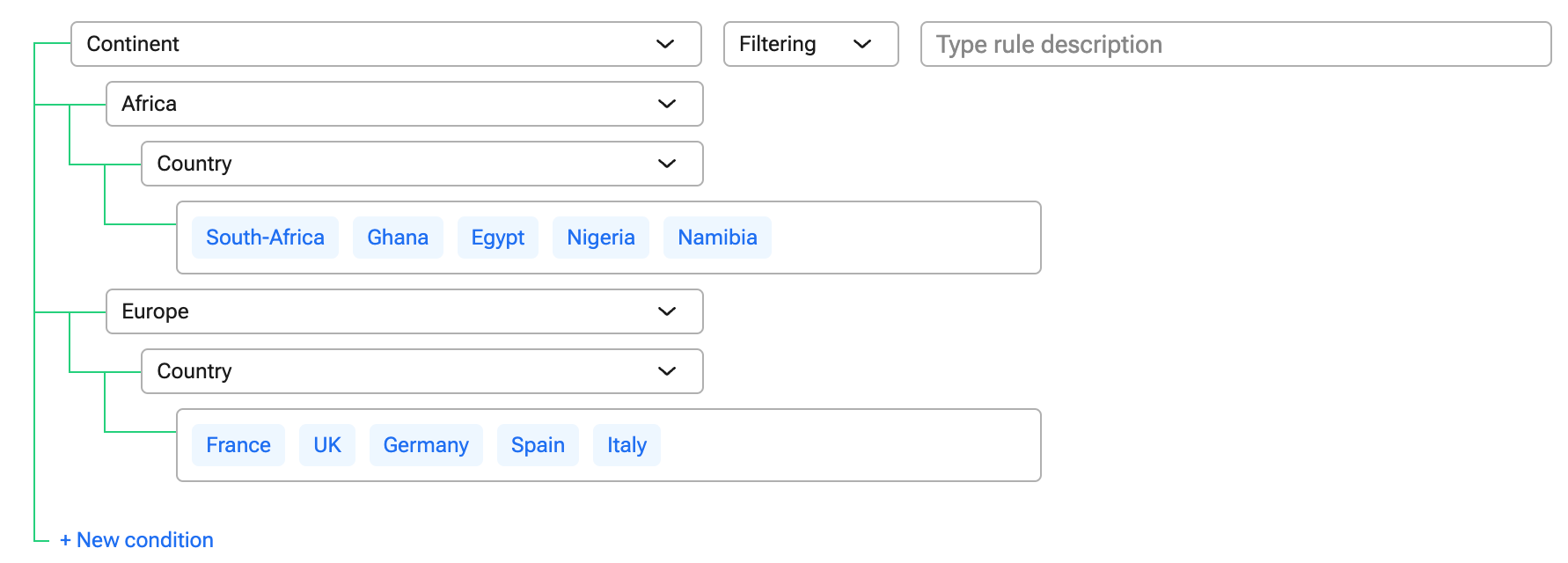
Filtering is used to only show the relevant categorical values of a dependent variable.
Click "Project design", and choose "Dependencies" from the dropdown menu
Click "+ Add variable", drag the initiating variable to the clipboard, or click the "+" icon on the variable card
Select "Filtering" from the dropdown menu
Click "+ New condition" and select the correct value
Select the dependent variable
Click "Configure"
Choose which options should be visible given the value of the initiating variable
Click "Confirm"
Click "Update" to activate your dependency
For example, if the initiating variable is “Continent” and the dependent variable is “Country”, we only want African countries to be shown if Africa is chosen as the continent.
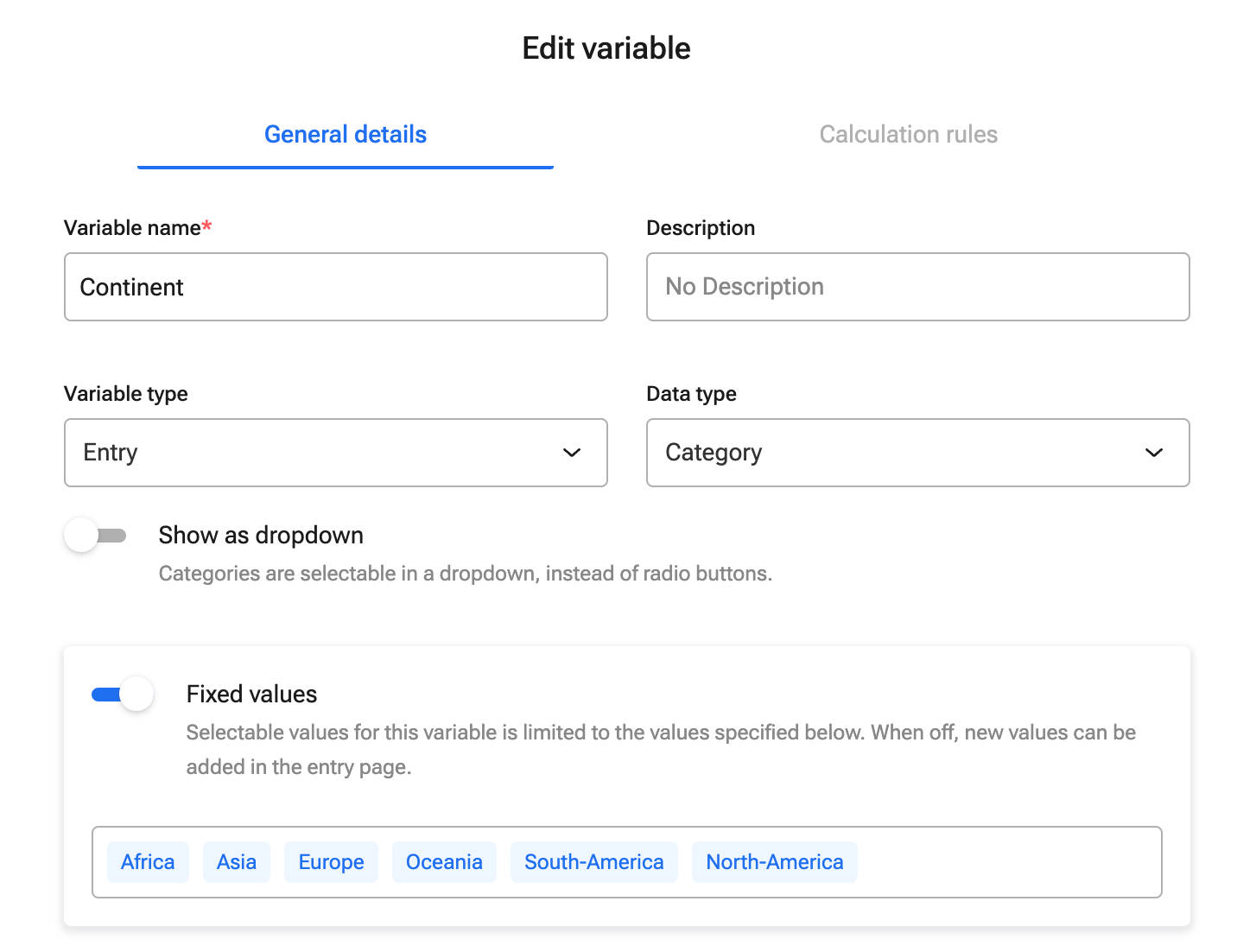
Variable setup initiating variable:
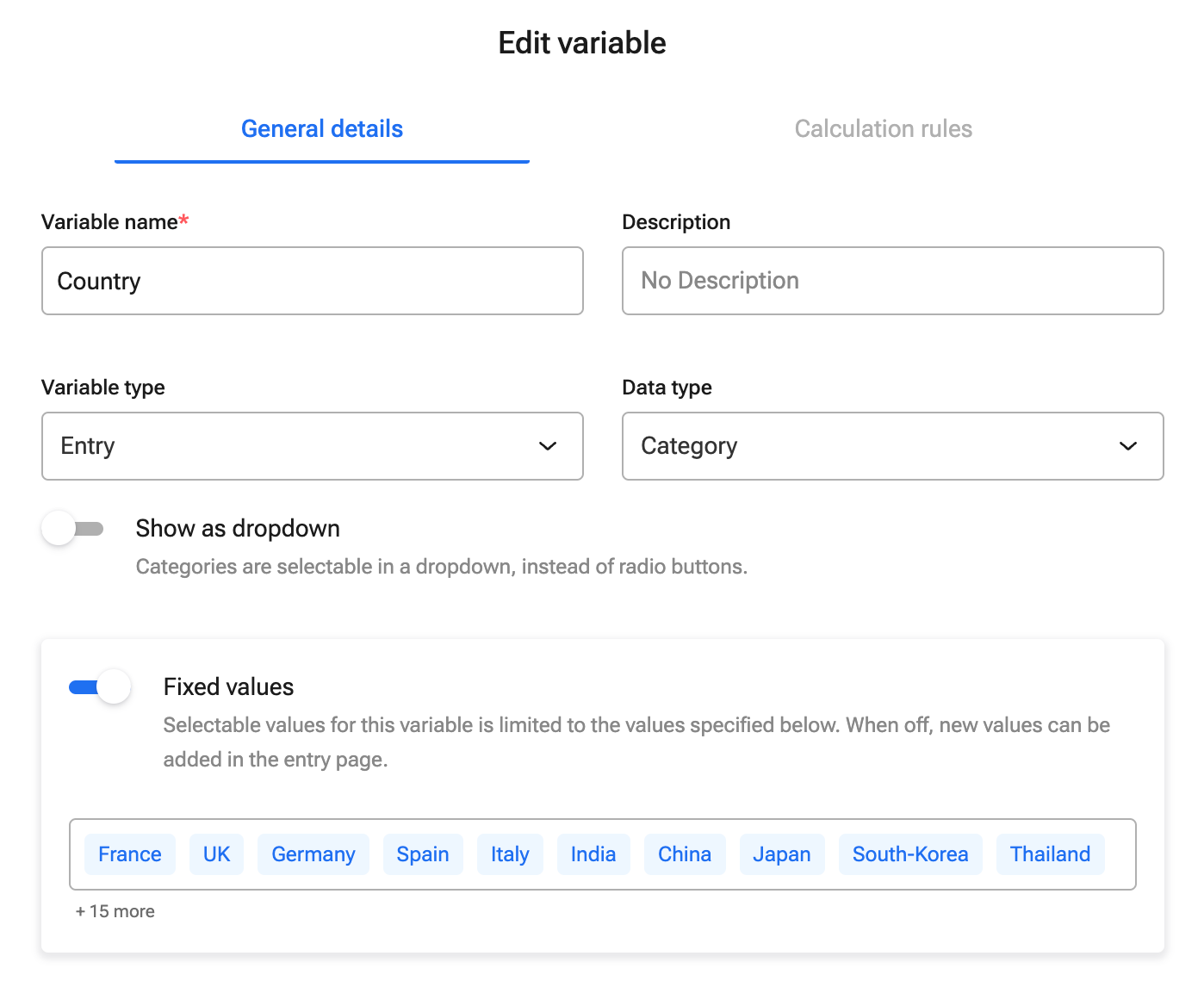
Variable setup dependent variable:
Setup of dependencies: